> ## Documentation Index
> Fetch the complete documentation index at: https://openmetadata-fix-mcp-oauth-security-docs.mintlify.site/llms.txt
> Use this file to discover all available pages before exploring further.
# How to Add Glossary Terms | Official Documentation
> Browse and search glossary terms to understand domain-specific terminology across your organization’s data assets.
# How to Add Glossary Terms
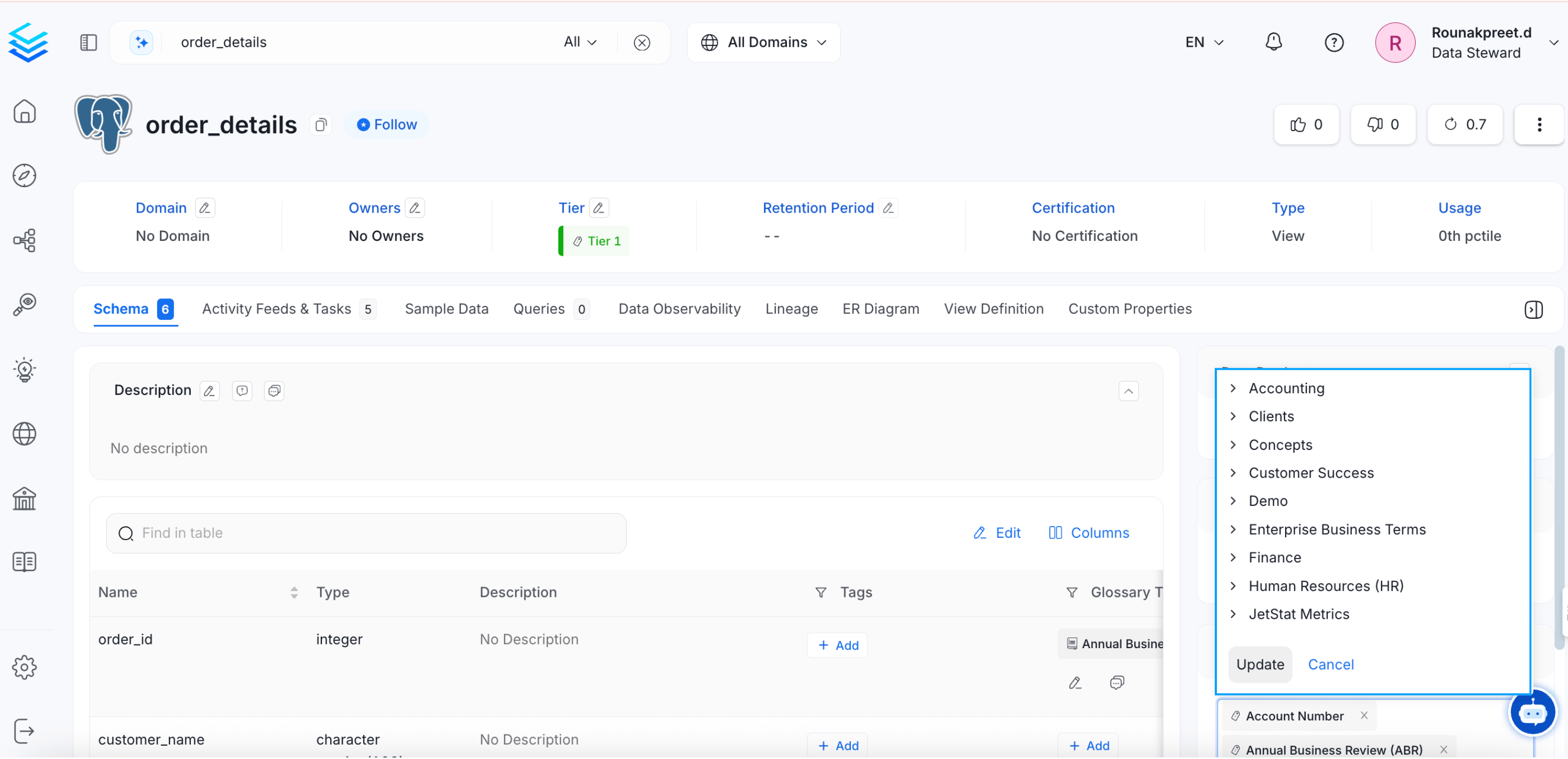
* From the Explore page, select a data asset and click on the edit icon or + Add for Glossary Term.
* Search for the relevant tags. You can either type and search, or scroll to select from the options provided.
* Click on the checkmark to save the changes.
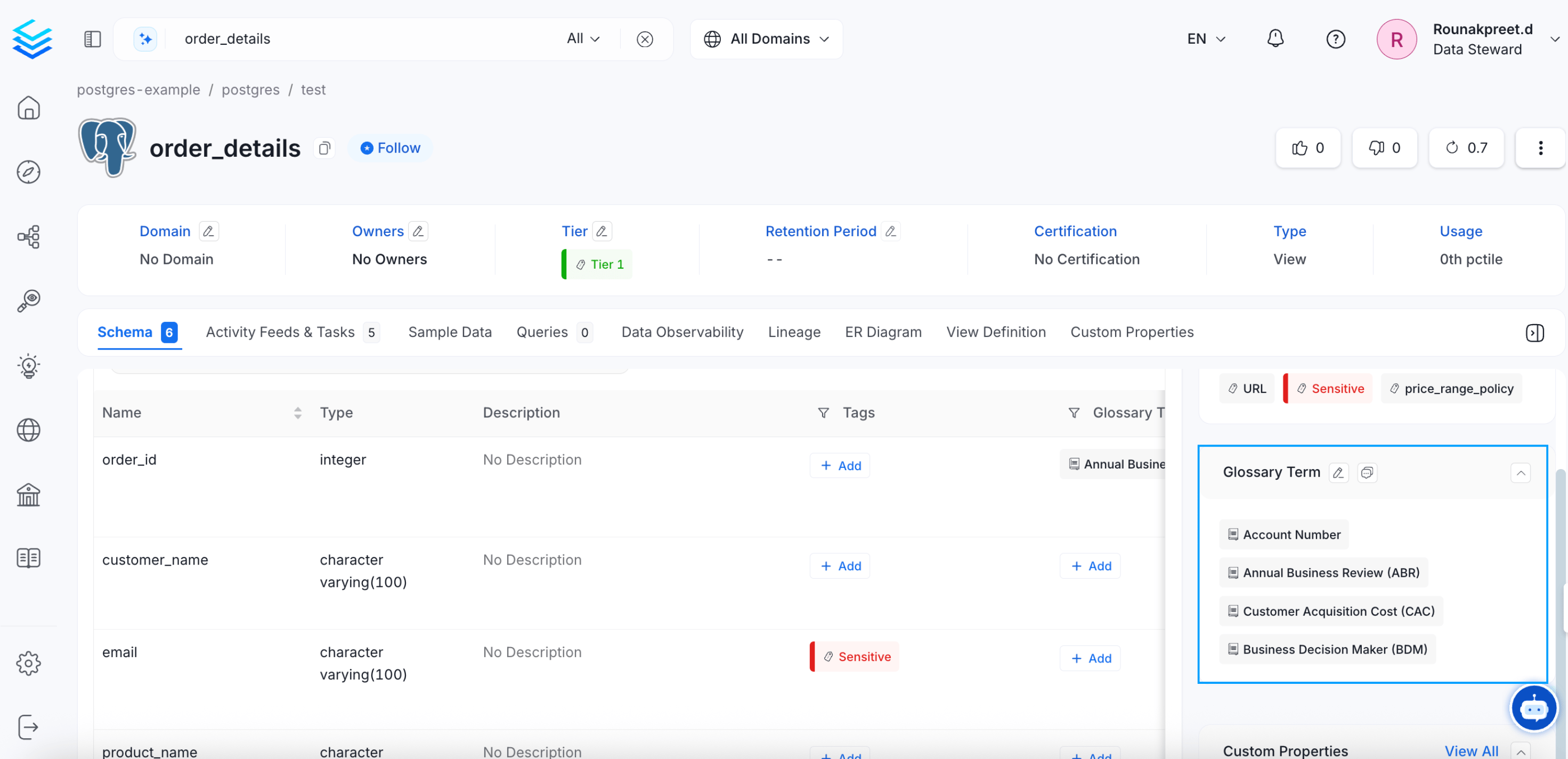
 You can view all the associated glossary terms in the right panel.
 ## Glossary Terms and Tags
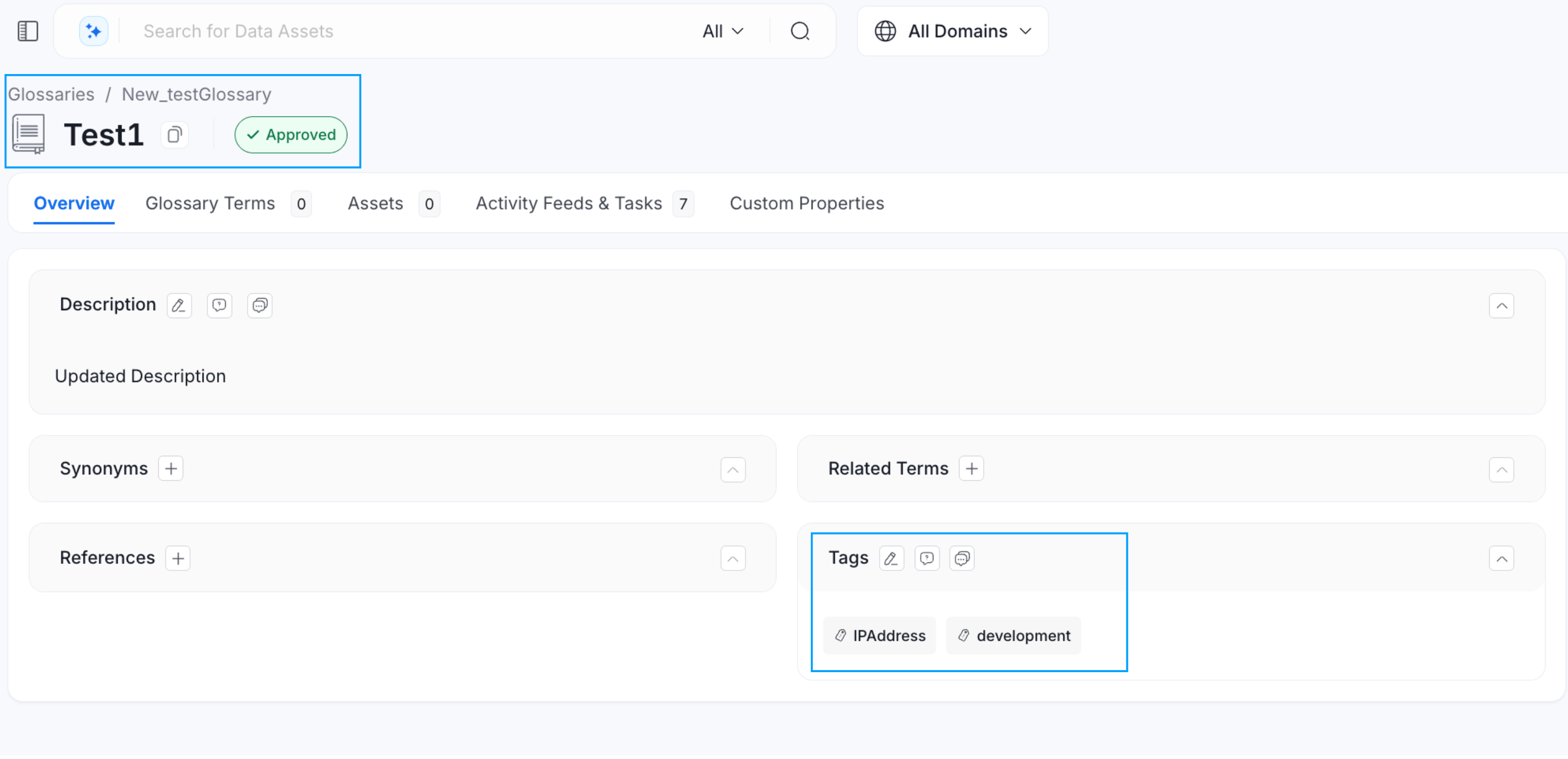
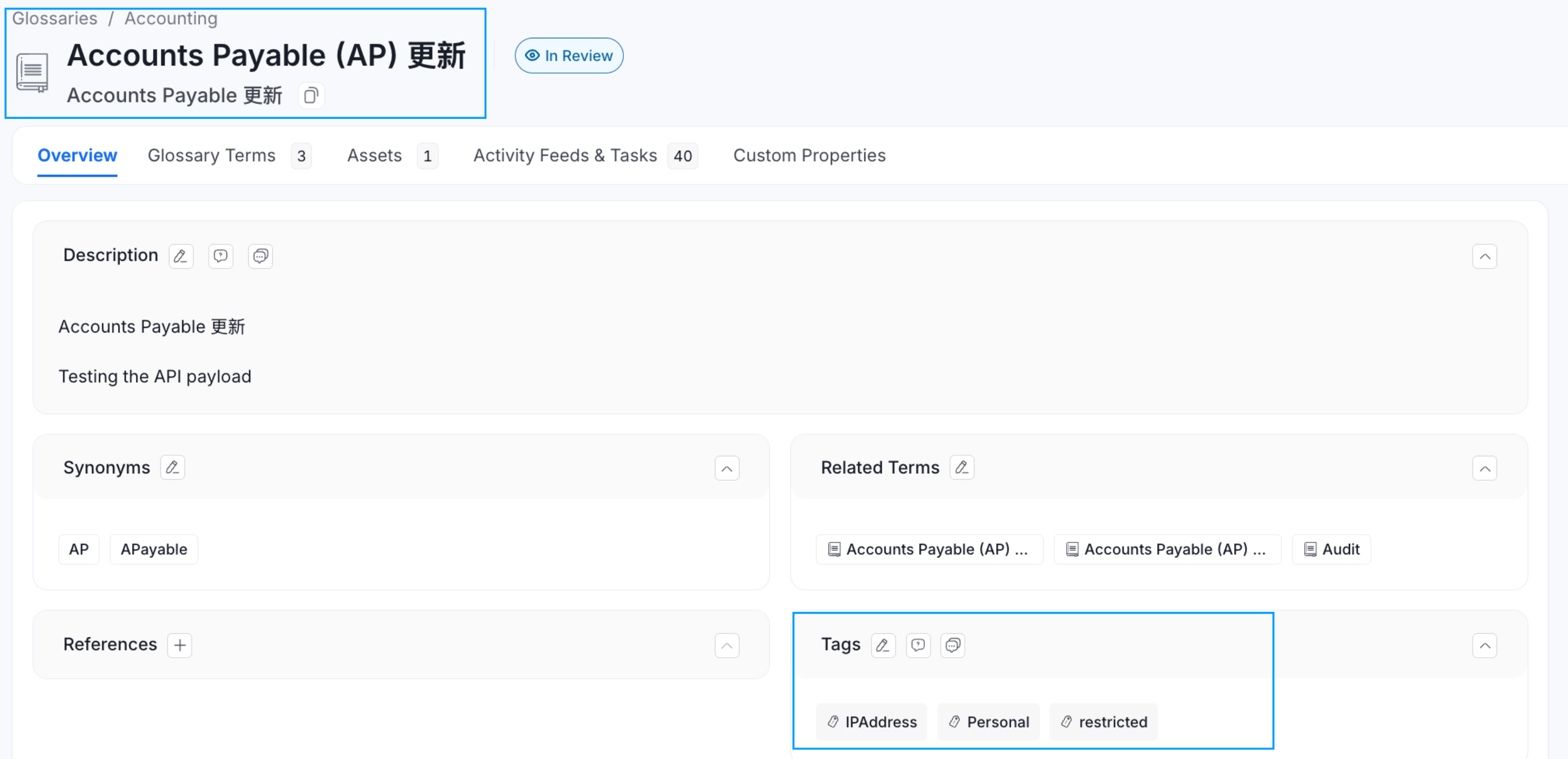
If **Tags** are associated with a **Glossary Term**, then applying that glossary term to a data asset, will also automatically apply the associated tags to that data asset. For example, the glossary term ‘Account’ has a PII.Sensitive tag associated with it. When you add a glossary term to a data asset, the associated tags also get added.
## Glossary Terms and Tags
If **Tags** are associated with a **Glossary Term**, then applying that glossary term to a data asset, will also automatically apply the associated tags to that data asset. For example, the glossary term ‘Account’ has a PII.Sensitive tag associated with it. When you add a glossary term to a data asset, the associated tags also get added.
 Learn how to create custom attributes for data assets